Most contractors don't price a thousand different jobs. They price the same dozen job types over and over, with the numbers moved around. A washroom fit-out. A run of partitioning. A canopy. A shopfront replacement. The specification barely changes from one to the next — what changes is the areas, the counts and a handful of options the client picks.
So why does each one start from a blank spreadsheet? Every time an estimator opens Standard_Quote_TEMPLATE_v4.xlsx, copies it, renames it and starts deleting the rows that don't apply, two things happen. It takes far longer than it should, and it drifts. A rate that was updated in one copy never made it into the master. A row that should have been deleted gets left in. The "standard" estimate quietly stops being standard.
Answer the questions, watch the price build
A fast quote flips that around. Instead of a blank page, the estimator starts from a template built for that exact job type, and the quote assembles itself as they answer questions.
Open the Fast Quotes workspace, pick the template — say, your standard washroom package — and you land in a question grid rather than a wall of empty cells. The template lays out the job as an indented hierarchy of sections and items, and each item asks only the questions that matter: a length to type in, a tick box for "include the vanity unit", a dropdown for the finish, a radio for the tap set. You answer; the price responds.
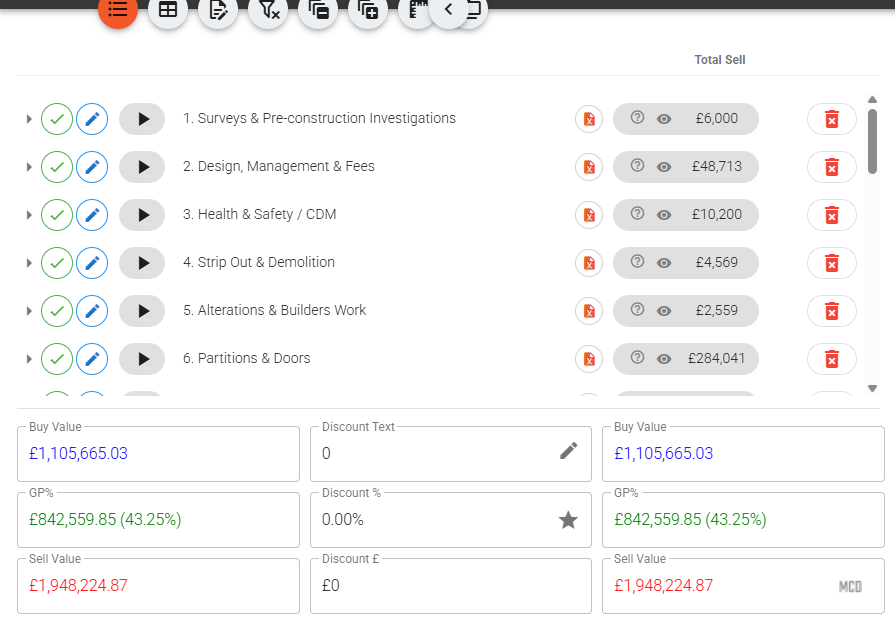
At the top of the screen a sticky header carries the running total in large green figures, and it re-prices the moment you change an answer — a small spinner flickers while it recalculates, and there is no "calculate" button to remember to press. There's no Save button either: each answer is committed the instant you set it. By the time you've worked down the grid, the quote is priced.
The grid is also self-revealing. A question only appears once the answer that triggers it is set, so if you don't tick "suspended ceiling", none of the ceiling questions clutter the screen — and anything sitting on a hidden question doesn't price. The estimator sees the job they're actually quoting, not every job the template could ever describe.
One library behind every quote
The reason a fast quote stays consistent is that it isn't a self-contained spreadsheet. Every rate it uses is pulled from the same central pricing library that sits behind your normal quotes.
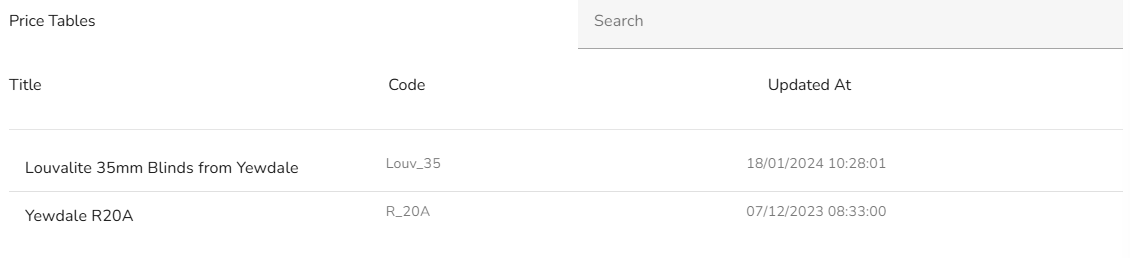
Update the cost of a sheet of plasterboard or a supplier's day rate once, in the library, and every template that references it prices at the new figure the next time it's used. There is no hunt for the twelve template copies that all hold their own stale number. And where a specific job needs something off-template, a row can open a + Add Library Item button to drop an extra item straight in from the same library — so the one-off addition is still a real, costed line, not a manually typed figure nobody can trace.
Where the click actually earns its keep
The headline is speed, and the speed is real — a job that took an hour of copying, deleting and re-checking becomes a few minutes of answering questions. But the quieter win is that every quote of a given type now comes out the same shape. The same sections, in the same order, priced off the same rates, with the same options offered. When a client compares two of your quotes, or when a colleague picks up a job the original estimator started, there are no surprises hiding in a rogue copy.
It also means your best estimating knowledge stops living in one person's head. The person who knows exactly how a canopy should be priced builds that logic into the template once, and everyone who uses it prices to that standard — whether they've quoted fifty canopies or their first.
Because a fast quote becomes an ordinary quote the moment it's created, everything downstream still works: it carries into the live project, the same phased billing and versioning apply, and nothing has to be re-keyed to turn a fast estimate into a real job.
If you'd like to see one of your own repeatable job types turned into a fast quote template — so your next estimate really is a few questions and a click — book a walkthrough and we'll build one from a quote you already send.